BPA & Workflow Automation
for the Enterprise
Leverage our end-to-end workflow automation platform for the cloud, a specific industry, or embed powerful workflow into your own software application.
ProcessMaker Platform
ProcessMaker BPA platform offers an extensive list of enterprise-grade features for streamlining and orchestrating processes.
ExploreProcessMaker IDP
Leverage Intelligent Document Processing and advanced OCR capabilities to turn unstructured data into actionable insights.
ExploreProcess Intelligence
Discover, optimize, and prioritize data-backed automation opportunities and identify root-causes for process inefficiencies.
Explore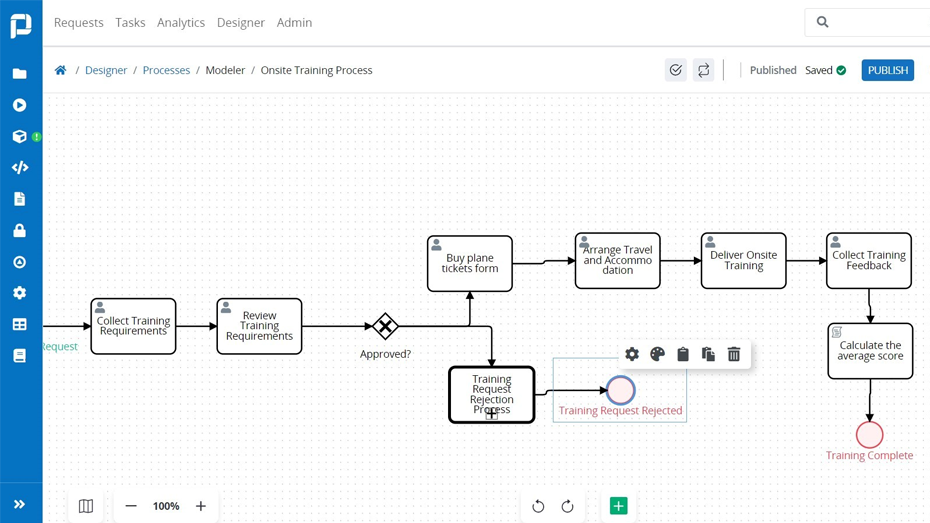
Business Process Automation
With ProcessMaker, business users from HR to purchasing to accounting are empowered to design and run their own workflows—no coding experience required.
Learn More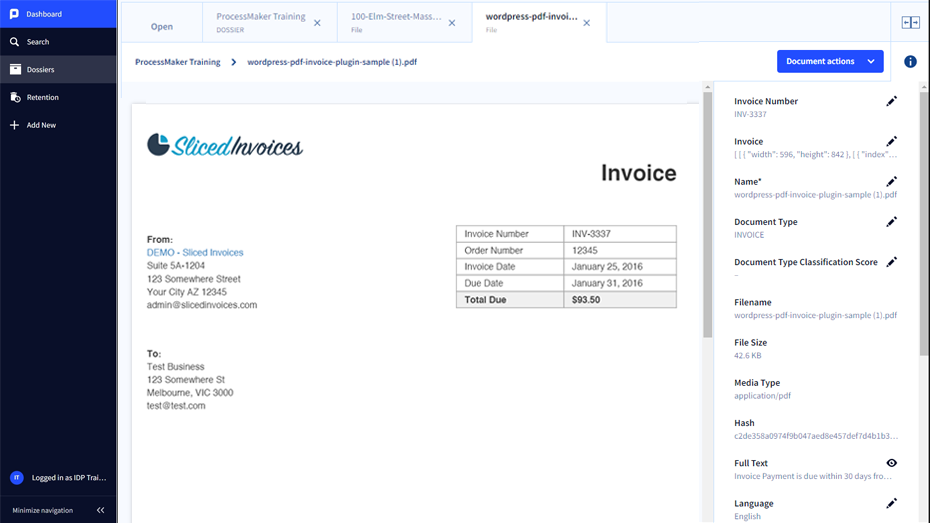
ProcessMaker IDP
Intelligent Document Processing (IDP) is a powerful software solution that utilizes AI technologies to capture, transform, and process data from various types of documents. It offers numerous benefits for businesses, enhancing efficiency, reducing costs, and enabling faster knowledge sharing.
Learn More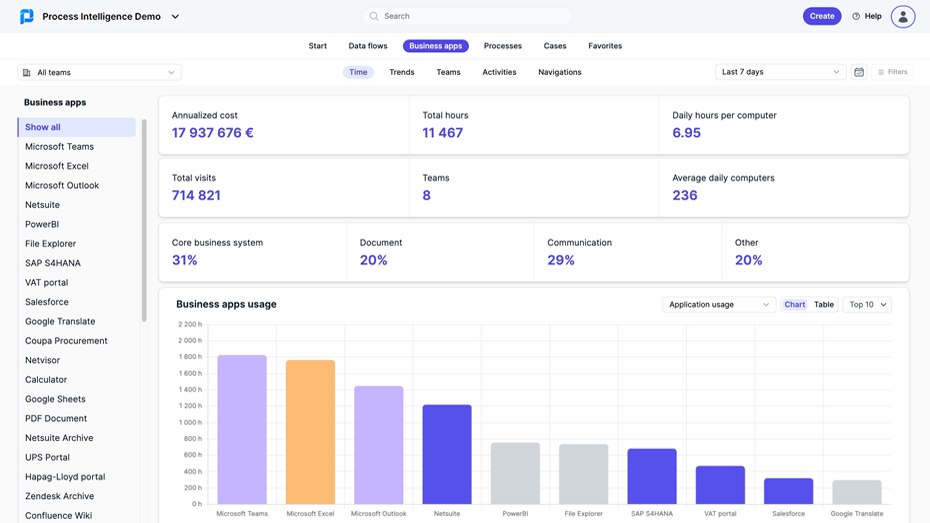
Process Intelligence (PI)
With PI, you gain a holistic understanding of how business processes, tasks, and workflows are linked to the overall business performance of your organization. Discover your hidden and manual processes and start automating them, leaving time for more meaningful and strategic initiatives.
Learn More
White Label
ProcessMaker White Label / OEM is recommended for software companies that wish to embed world-class workflow into their solution.
Learn More
Request a Demo
Discover how leading organizations utilize ProcessMaker to streamline their operations through process automation.